
When you purchase through links on our site, we may earn an affiliate commission. Here’s how it works.
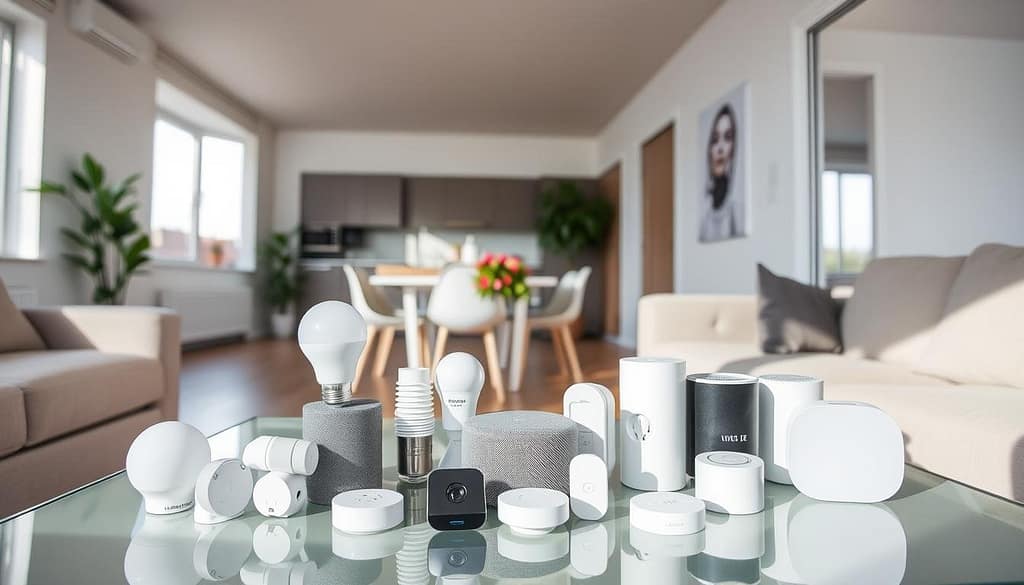
Smart Home Solutions for Renters make it possible to enjoy clever fixes that bring convenience without permanent changes. As a renter, you face unique challenges—no drilling holes, no rewiring, and a security deposit to protect. Affordable, removable smart devices let you build an impressive setup tailored to your rental.
Today’s smart technology offers plenty of renter-friendly options that are affordable, easy to install, and completely removable when it’s time to move. In this guide, we’ll explore budget-friendly smart gadgets that transform your rental into a connected home without breaking your lease or your bank account.
Table of Contents
Smart Plugs: Smart Home Solutions for Renters
Smart electrical sockets are the perfect starting point for renters. These simple gadgets plug into your existing outlets and instantly make any appliance or lamp “smart” without any wiring or modifications.
Why Smart Plugs Are Perfect for Renters
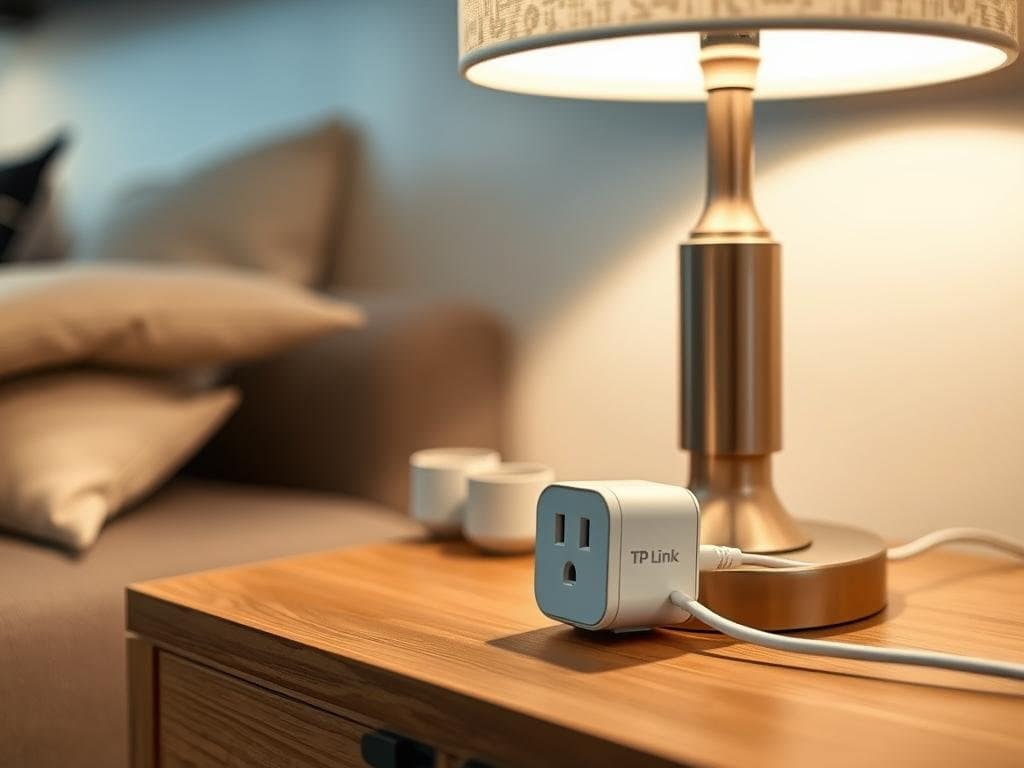
Smart electric sockets allow you to control non-smart gadgets remotely, set schedules, and even monitor energy usage. They’re completely removable and require zero modification to your rental property.
Top Budget-Friendly Smart Plugs
TP-Link Kasa Smart Plug Mini stands out as one of the best options for renters. At around $15-$20 each (often less when purchased in multi-packs), these compact plugs connect directly to your Wi-Fi network without requiring a separate hub. They work with both Amazon Alexa and Google Assistant, allowing you to control connected gadgets with voice commands.
Wyze Plug is another excellent budget option at just $10-$15. These power outlets offer similar functionality to the Kasa plugs but at an even lower price point. They’re incredibly compact, so you won’t block adjacent outlets, and they include energy monitoring features to help you track power consumption.
How to Use Smart Plugs in Your Rental
- Control lamps, fans, space heaters, and more with your phone or voice
- Set schedules to turn gadgets on/off automatically
- Create “away mode” to randomly turn lights on/off for security
- Monitor energy usage of power-hungry appliances
- Integrate with other smart devices for automated routines
Pro Tip: Cable Management
Keep your smart setup looking neat with temporary cable management solutions. Use adhesive cable clips, cord covers that stick to baseboards with removable adhesive, or decorative cord boxes to hide power strips. These solutions keep your rental looking tidy without making permanent changes.
Brighten Your Rental Without Rewiring
Smart lighting is one of the easiest and most impactful smart upgrades for renters. Unlike hardwired smart switches, smart bulbs simply screw into your existing fixtures and can be controlled remotely.
Budget-Friendly Smart Bulbs
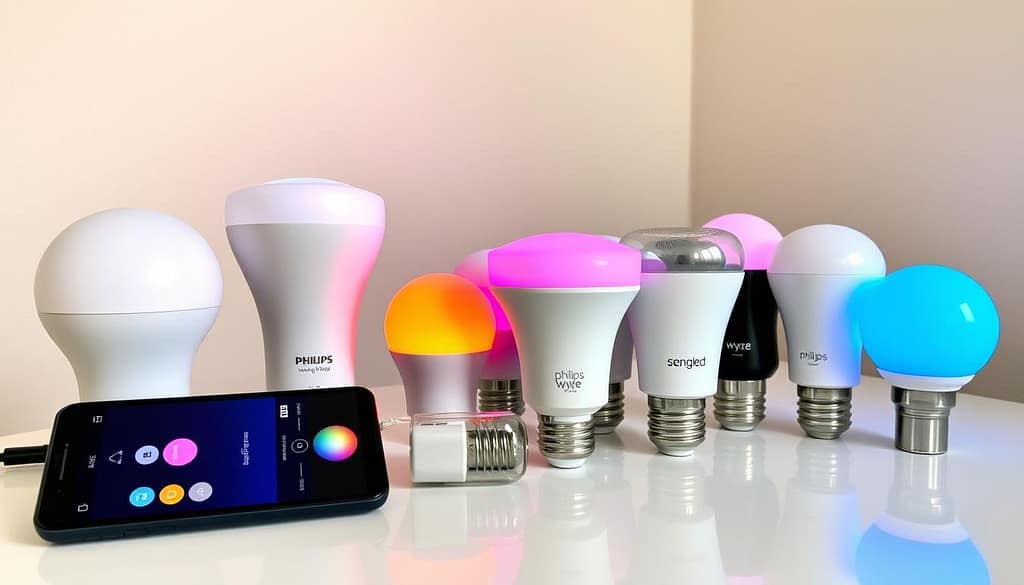
Wyze Bulb Color offers exceptional value at around $15 per bulb. These Wi-Fi-connected bulbs provide 16 million colors, adjustable brightness, and work with both Amazon Alexa and Google Assistant without requiring a hub. They’re perfect for renters who want to start with just one or two bulbs.
Sengled Smart LED Multicolor bulbs are another budget-friendly option at approximately $12-$18 each. These bulbs connect directly to your Wi-Fi network and offer similar features to more expensive brands at a fraction of the cost.
For those willing to spend a bit more, Philips Hue White and Color Ambiance Bulbs (around $45) offer the most robust ecosystem and reliability. While pricier, they often go on sale, and their Bluetooth functionality means you can start without the Hue Bridge hub.
Smart Lighting Benefits for Renters
- Control lights from your phone or with voice commands
- Set schedules and routines (wake-up lighting, away mode)
- Change colors and brightness to match your mood
- Create scenes for different activities (movie night, dinner, reading)
- Take your bulbs with you when you move
Beyond Bulbs: Other Lighting Options
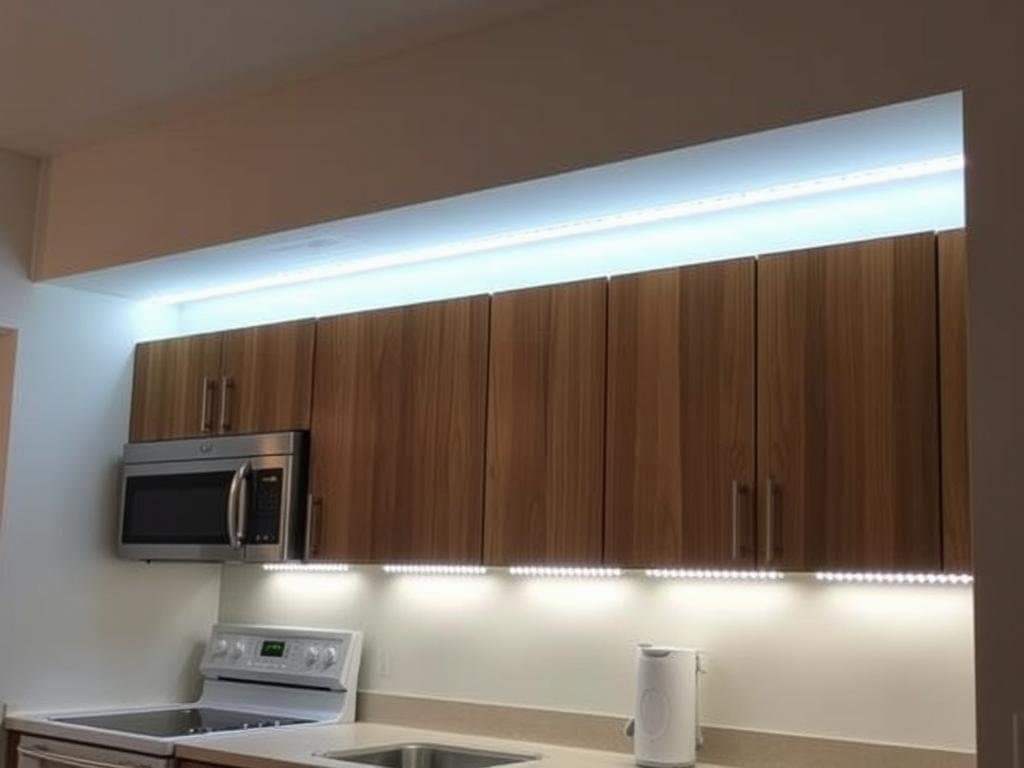
Smart Light Strips like the Govee LED Strip Lights (around $20-$30) can be attached to the back of furniture, under cabinets, or along baseboards using removable adhesive. They provide ambient lighting and can dramatically change the mood of a room without any permanent installation.
Portable Smart Lamps like the LIFX Beam (around $40-$50 on sale) or Philips Hue Go (around $80) sit on tables or shelves and require no installation at all. These are perfect for renters who want statement lighting pieces that can move with them.
Installation Tip
When installing light strips, use removable mounting clips or command strips rather than removing the adhesive backing directly. This makes them easier to reposition and remove without damaging surfaces when you move out.
Smart Speakers: The Command Center of Your Rental
A smart speaker serves as the hub of your rental’s smart ecosystem, allowing you to control other devices with voice commands and access information hands-free.
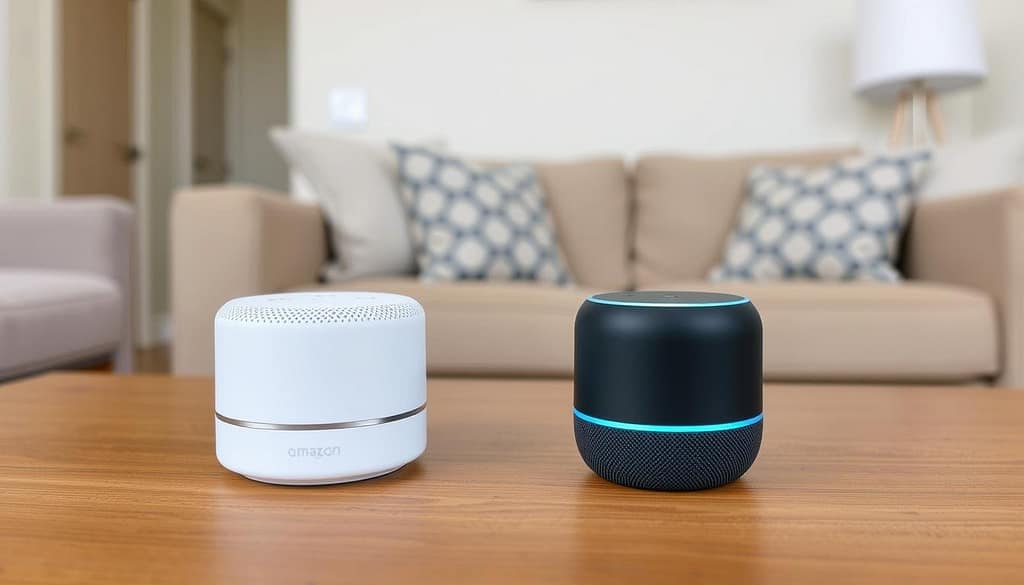
Affordable Smart Speaker Options
Amazon Echo Dot (around $30-$50, often on sale for $25) is compact, affordable, and works with countless smart home gadgets. The latest generation offers improved sound quality and a temperature sensor that can trigger smart home routines.
Google Nest Mini (around $30-$50, frequently on sale for $25) is Google’s compact smart speaker that integrates seamlessly with Google services and compatible smart home devices. It’s wall-mountable with third-party holders that use removable adhesive.
Smart Speaker Features for Renters
- Control other smart gadgets with voice commands
- Set timers, alarms, and reminders
- Get weather updates, news, and answers to questions
- Play music, podcasts, and audiobooks
- Create routines that control multiple devices at once
- Intercom functionality between multiple speakers
Smart Displays: Enhanced Control
For a bit more functionality, consider a smart display like the Amazon Echo Show 5 (around $40-$85, often on sale) or Google Nest Hub (around $50-$100, frequently discounted). These add visual elements to your smart home control, allowing you to see weather forecasts, watch videos, make video calls, and control your devices through a touchscreen interface.
Budget Tip
Smart speakers and displays frequently go on sale during major shopping events like Prime Day, Black Friday, and holiday sales. You can often find them at 40-50% off their regular prices during these promotions.
Renter-Friendly Security Solutions
Keeping your rental secure doesn’t have to involve drilling holes or complex installation. Several smart security options are designed with renters in mind.
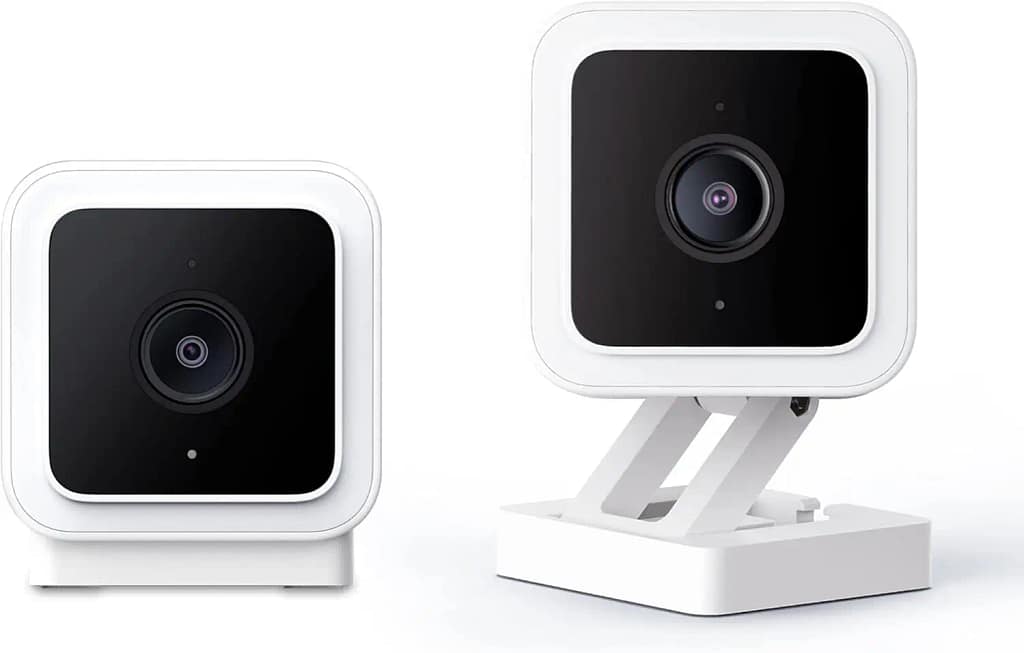
Indoor Security Cameras
Wyze Cam v3 (around $30-$36) offers exceptional value with 1080p HD video, color night vision, and local storage options. It sits on flat surfaces or can be mounted with the included magnetic base and removable adhesive.
Blink Mini (around $30-$35) is Amazon’s compact indoor camera that offers motion detection, two-way audio, and works seamlessly with Amazon Alexa. Its small footprint makes it easy to place discreetly on bookshelves or counters.
Camera Placement Tips for Renters
- Use bookcases, shelves, and tables for placement instead of mounting
- If mounting is necessary, use removable adhesive strips
- Position cameras to cover entry points and valuable items
- Consider privacy laws if your camera might capture common areas
- Use privacy zones to block recording of neighbors’ doors or windows
Door and Window Sensors
Smart detectors can alert you when doors or windows are opened without requiring any permanent installation. The Aqara Door and Window Sensor (around $20) or Wyze Sense (around $20 for a pack) attach with removable adhesive and can trigger notifications on your phone or activate other smart gadgets when triggered.
Video Doorbell Alternative
If you can’t install a traditional video doorbell, consider the Ring Peephole Cam (around $130) which replaces your door’s existing peephole without drilling or the Eufy Security Video Doorbell (around $100-$150) which can be mounted with strong removable adhesive strips.
Climate Control for Renters
While you might not be able to install a smart thermostat, there are other ways to make your rental’s climate control smarter and more efficient.
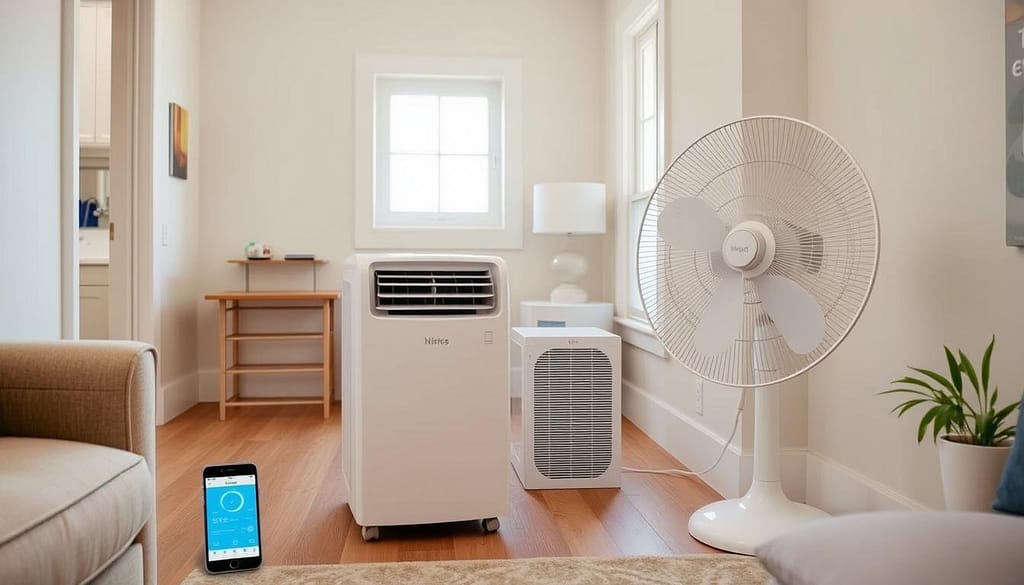
Smart Portable Air Conditioners and Fans
If your rental has window AC units, consider a smart AC controller like the Sensibo Sky (around $80-$100) or Cielo Breez Plus (around $100). These gadgets use infrared technology to control your existing AC unit, essentially making it smart without any modifications.
For portable climate control, smart fans like the Govee Smart Tower Fan (around $80) offer app and voice control without requiring any installation.
Temperature Sensors
Smart temperature detectors like the Aqara Temperature and Humidity Sensor (around $20) can monitor conditions in different rooms and trigger other smart gadgets based on temperature changes. For example, you could have a smart fan turn on automatically when a room gets too warm.
Energy Saving Tip
Use smart connectors with space heaters and fans to create temperature-based automations. For example, set your space heater to turn off automatically after 30 minutes or when you leave home, saving energy and improving safety.
Budget Hacks for Your Smart Rental
Building a smart home doesn’t have to break the bank. Here are some strategies to maximize your budget while creating an impressive smart setup.
Strategic Shopping Tips
When to Buy
- Major Sales Events: Prime Day, Black Friday, and holiday sales often feature smart home gadgets at 30-50% off
- Generation Changes: When new models are released, previous generations are heavily discounted
- Refurbished Options: Certified refurbished smart gadgets often work perfectly and come with warranties at 20-40% off retail prices
What to Prioritize
- Start with a Smart Speaker: This becomes your control center
- Focus on High-Traffic Areas: Living room and bedroom first
- Multi-Purpose Devices: Choose devices that serve multiple functions
- Expandable Systems: Start with brands that allow you to expand over time
Money-Saving Strategies
Bundle Deals
Many smart gadgets are sold in discounted multi-packs or starter kits. For example, smart bulbs often cost less per unit when purchased in 4-packs, and security cameras frequently come in 2-3 camera bundles at significant savings.
Example Savings: A 4-pack of Wyze Bulb Colors costs around $40 ($10 per bulb) compared to $15 for a single bulb—a 33% savings.
Student and Professional Discounts
Many retailers offer discounts for students, teachers, military, and certain professions. Check if you qualify for these programs before making purchases:
- Best Buy offers student discounts on smart home gadgets
- Amazon Prime Student includes discounts and special offers
- Samsung, Google, and Apple offer education pricing
Renter-Specific Advice
Creating a smart home as a renter requires some special considerations to protect your security deposit and maintain a good relationship with your landlord.
Communication with Landlords
While most of the gadgets we’ve recommended don’t require permission, it’s always good to maintain open communication with your landlord about significant changes to your rental.
What to Discuss
- Inform them about any exterior cameras (even temporary ones)
- Ask about Wi-Fi network changes if you’re upgrading routers
- Clarify policies about temporary mounting solutions
- Get written approval for any modifications that might be questionable
Sample Landlord Communication
“Hi [Landlord Name], I’m interested in adding some temporary smart devices to my apartment to improve convenience and security. These would include plug-in gadgets and items mounted with removable adhesive that won’t damage the walls or fixtures. I wanted to check if you have any concerns or specific policies about these types of gadgets. I’m happy to provide more details if needed.”
Protecting Your Security Deposit
Safe Installation Methods
- Use command strips and removable adhesive
- Opt for tension rods and clamps when possible
- Utilize existing fixtures (replace bulbs, use outlets)
- Choose freestanding gadgets over mounted ones
- Use furniture to position and hide them
What to Avoid
- Drilling holes in walls, doors, or window frames
- Replacing built-in thermostats without permission
- Modifying electrical wiring or switches
- Using strong adhesives that might damage paint
- Installing permanent fixtures you can’t take with you
Removal Tip
When it’s time to move out, remove adhesive strips carefully by pulling slowly parallel to the wall (not outward). For stubborn residue, use a hair dryer on low heat to warm the adhesive before gently removing it. Clean any residue with appropriate cleaners for your wall type.
Getting Started with Your Rental
Starter Package Recommendation
For under $100, you can begin with this basic setup:
- 1 Amazon Echo Dot or Google Nest Mini ($25-$50)
- 2 Smart Bulbs for your most-used lamps ($20-$30)
- 1-2 Smart Plugs for appliances ($15-$25)
This foundation gives you voice control, lighting automation, and the ability to control regular appliances—all without making any permanent changes to your rental.
Remember that the beauty of a renter-friendly smart home is its portability. Every device you invest in can move with you to your next place, making it a worthwhile investment even if you don’t plan to stay in your current rental long-term.
With the right gadgets and installation methods, you can enjoy all the benefits of a smart home without risking your security deposit or violating your lease. Start small, expand thoughtfully, and enjoy the convenience and comfort of your new smart rental!
When you purchase through links on our site, we may earn an affiliate commission. Here’s how it works.