
When you purchase through links on our site, we may earn an affiliate commission. Here’s how it works.
The Google Nest Video Doorbell addresses modern home security issues that outdated doorbells can’t handle. Problems like package theft and unwanted visitors demand smart solutions. These solutions provide real-time monitoring and quick alerts for enhanced protection.
The battery-powered design makes it easy to set up without needing to run wires. This means you can get top-notch surveillance without needing to hire an electrician or spend a lot of money.
Advanced AI systems can tell the difference between people, packages, animals, and cars very well. This smart method cuts down on false alarms. It makes sure you only get alerts when something important is happening at your home.
Connecting it to your smart home makes your security even better. It works with your current smart home systems. This lets you see, talk to, and watch over your home from anywhere.
Table of Contents
- 1 Google Nest Video Doorbell: Why It’s a Smart Security Choice
- 2 Get Google Nest Video Doorbell from Amazon
- 3 Google Nest Video Doorbell: Core Features and Specs
- 4 Google Nest Video Doorbell: Video and Audio Performance
- 5 Google Nest Video Doorbell: Battery and Power Efficiency
- 6 Google Nest Video Doorbell: Easy DIY Installation
- 7 Google Nest Video Doorbell: Smart Home Connectivity
- 8 Google Nest Video Doorbell: Smart Alerts and Motion Detection
- 9 Google Nest Video Doorbell: Storage and Nest Aware Options
- 10 Google Nest Video Doorbell: Pros and Cons Evaluated
- 11 Google Nest Video Doorbell: Ideal Home Security Choice
- 12 Frequently Asked Questions (FAQ)
Key Takeaways
- Battery-powered installation requires no complex wiring or electrical work
- AI-powered detection distinguishes between people, packages, animals, and vehicles
- Intelligent alerts reduce false notifications while capturing important activities
- Seamless integration with existing smart home ecosystems enhances security
- Two-way communication allows remote interaction with visitors
- Professional-grade surveillance capabilities provide peace of mind
Google Nest Video Doorbell: Why It’s a Smart Security Choice
The Google Nest DBELLBA Video Doorbell changes home security with smart wireless video doorbell tech. It’s easy to set up and offers top-notch surveillance. This makes it simple for anyone to keep an eye on their home.
This doorbell is special because it knows what’s happening around your door. It tells the difference between people, pets, and cars. This means you only get alerts when it matters.
Product Overview and Key Benefits
This security system is powered by a battery and records in crystal-clear HD. It works well at night too. It’s smart about who it alerts you to, like people, but not cars or trees.
It’s built to last, even in bad weather. Over time, it gets better at telling the difference between important and unimportant events.
It can spot different things like people, packages, animals, and cars. This means you only get alerts that are important to you.
Target Audience and Use Cases
People who are always on the go can keep an eye on their home from anywhere. Parents like it for keeping an eye on their kids. Elderly people can see who’s at the door without getting up.
People living in apartments like it because it doesn’t need any special setup. Small business owners use it to watch deliveries and clients.
| User Type | Primary Benefit | Key Feature | Installation Advantage |
|---|---|---|---|
| Busy Professionals | Remote Monitoring | Real-time visitor alerts | No wiring required |
| Parents | Child Safety | Person Detection | Quick setup |
| Elderly Homeowners | Safe Visitor Screening | Two-way Communication | Battery powered |
| Renters | Temporary Installation | Portable Design | No permanent modifications |
Get Google Nest Video Doorbell from Amazon
Google Nest Video Doorbell: Core Features and Specs
The Google Nest Video Doorbell offers top-notch hardware and smart detection. It’s a motion detection doorbell that brings professional security to your doorstep. It combines advanced engineering with smart software.
Technical Specifications
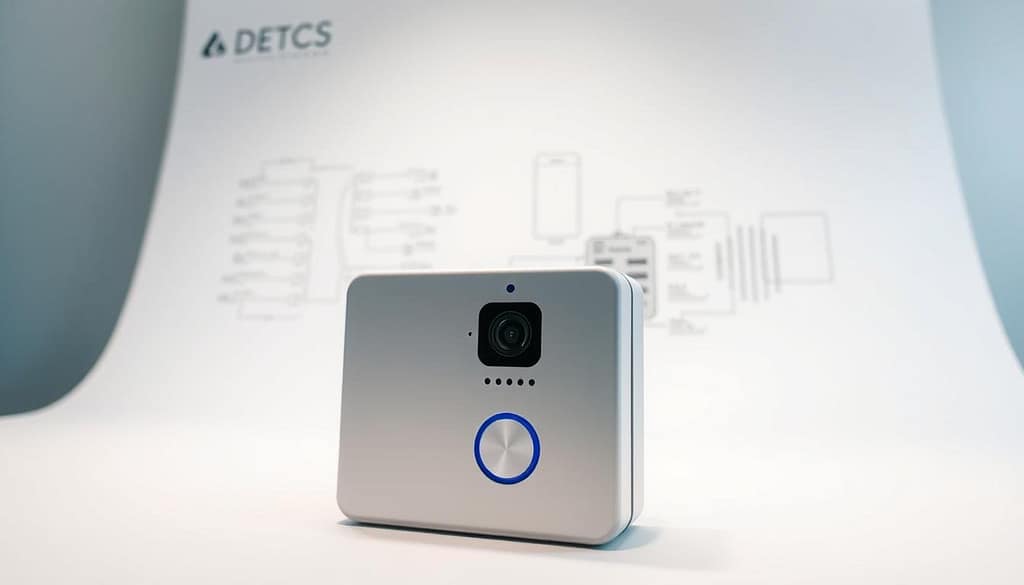
This device records video at 960p HDR resolution with 30 frames per second. It captures faces and license plates clearly. The 145-degree diagonal view covers your entire doorstep.
It’s designed to capture visitors from head to toe, even packages. The IP54 weather resistance rating means it works well in cold and hot weather. It can handle up to 85% humidity.
Key technical features include:
- Built-in rechargeable lithium-ion battery: 6 Ah capacity at 3.65V
- Advanced PIR motion sensors with magnetometer technology
- HDR video processing for enhanced image quality
- Weatherproof construction for year-round outdoor use
Smart Detection Technology
The HD video surveillance system uses AI to spot different types of motion. It cuts down on false alarms and alerts you to important events.
Person and Package Detection
It can tell when a person is at your door by looking at their shape and how they move. It ignores shadows and small animals.
Package detection watches for packages at your door. It sends a notification when it sees one. This helps prevent package theft by alerting you right away.
Animal and Vehicle Recognition
It can tell the difference between pets, wildlife, and other animals. This means you won’t get too many alerts about neighborhood animals.
Vehicle recognition spots cars, trucks, and motorcycles. It helps you know who’s visiting or if there’s a security issue.
Google Nest Video Doorbell: Video and Audio Performance
Good communication and clear video are key for a facial recognition doorbell. The Google Nest Video Doorbell has top-notch imaging and audio. It needs stable internet and Wi-Fi to work well, with at least 2 Mbps upload speed for best results.
HD Video Recording Capabilities
The device offers great video quality, even though it’s only 960p. High Dynamic Range (HDR) technology adjusts light levels for clear faces in any light. This means faces are always visible, no matter the light.
The 3:4 aspect ratio makes the most of the screen, focusing on key areas. This cuts down on unnecessary footage. H.264 encoding keeps the video quality high while saving space, making it easy to stream.
Night Vision Technology
The doorbell shines bright at night with infrared light. It takes clear black-and-white video in the dark without needing to be turned on. It automatically switches to night mode when it gets dark, so it’s always watching.
This tech keeps the doorbell working at night. The infrared light is strong enough to see visitors and spot trouble in the dark.
Two-Way Audio Communication
It’s easy to talk to visitors and others with the doorbell’s clear sound. The microphone picks up voices well, and the speaker is loud enough outside. Pre-recorded responses let you talk back even when you’re not there.
Noise cancellation gets rid of background noise, like cars and wind. You can set messages like “Please leave packages by the door” for easy communication.
Google Nest Video Doorbell: Battery and Power Efficiency
The Google Nest Video Doorbell doesn’t need complicated wiring. It works with any home, no matter the wiring. The rechargeable battery has 6 Ah capacity at 3.65V, keeping it running for a long time.

Battery Life Expectations
The battery life of the Nest doorbell changes a lot. It can last from several weeks to several months before needing a charge. Places with lots of visitors use up the battery faster.
Extreme temperatures affect the battery. Cold weather makes it less powerful, and hot weather drains it quicker. Poor Wi-Fi signals also make the battery run down faster because the device works harder to stay connected.
Charging Process and Maintenance
To charge the doorbell, you need to take it off its mount. Use the USB cable with any standard charger for 4-6 hour charging sessions. The magnetic mount makes it easy to remove and put back without tools.
It’s important to charge the battery at the right time. The Google Home app lets you keep an eye on the battery level. It sends timely notifications when it’s time to charge.
Power Optimization Strategies
Activity zones help the battery last longer by focusing on specific areas. This cuts down on recordings of things like street traffic. Sensitivity adjustments help avoid false alarms while keeping you safe.
The doorbell goes into low-power mode when it’s not being used. Some setups can use existing doorbell wiring for power, keeping the installation wire-free.
Get Google Nest Video Doorbell from Amazon
Google Nest Video Doorbell: Easy DIY Installation
Wire-free technology makes installing a doorbell camera easy. The Google Nest Video Doorbell turns a hard electrical job into a simple weekend task. You don’t need special skills or a pro to help.
Wire-Free Installation Benefits
The battery design gives you unprecedented flexibility in where you can put your doorbell. You can place it at the best height and angle without worrying about wires. This makes your home more secure and helps you catch visitors better.
Rental homes also gain a lot from this setup. You don’t have to make permanent changes that might break your lease. You can move the device or take it with you when you move, without damaging your rental.
Required Tools and Equipment
You’ll need just a few tools for the job, and most people already have them. The mounting hardware that comes with the doorbell has everything you need to attach it securely to different surfaces.
| Tool Category | Specific Items | Purpose | Included with Device |
|---|---|---|---|
| Drilling Equipment | Drill with appropriate bits | Creating mounting holes | No |
| Hand Tools | Screwdriver, Level | Securing bracket, ensuring alignment | No |
| Mounting Hardware | Screws, anchors, bracket | Securing device to wall | Yes |
| Setup Materials | Installation template, QR code | Proper positioning, app pairing | Yes |
Step-by-Step Installation Guide
First, download the Google Home app and make an account. Scan the QR code on the device to start the setup and connect to Wi-Fi.
Use the template to mark where to drill holes on your chosen surface. Drill pilot holes and attach the bracket with the screws. The magnetic system keeps the doorbell in place but makes it easy to remove for charging.
Finish by testing everything through the app. Adjust the motion detection and set up your notifications as you like. Most installations take 40 to 60 minutes, from mounting to setting it up digitally.
Google Nest Video Doorbell: Smart Home Connectivity
Smart connectivity features make the Google Nest Video Doorbell key in home automation systems. It needs stable internet and Wi-Fi to work best. Mobile notifications, remote control, video streaming, and video recording all rely on a good network.
Ecosystem Compatibility
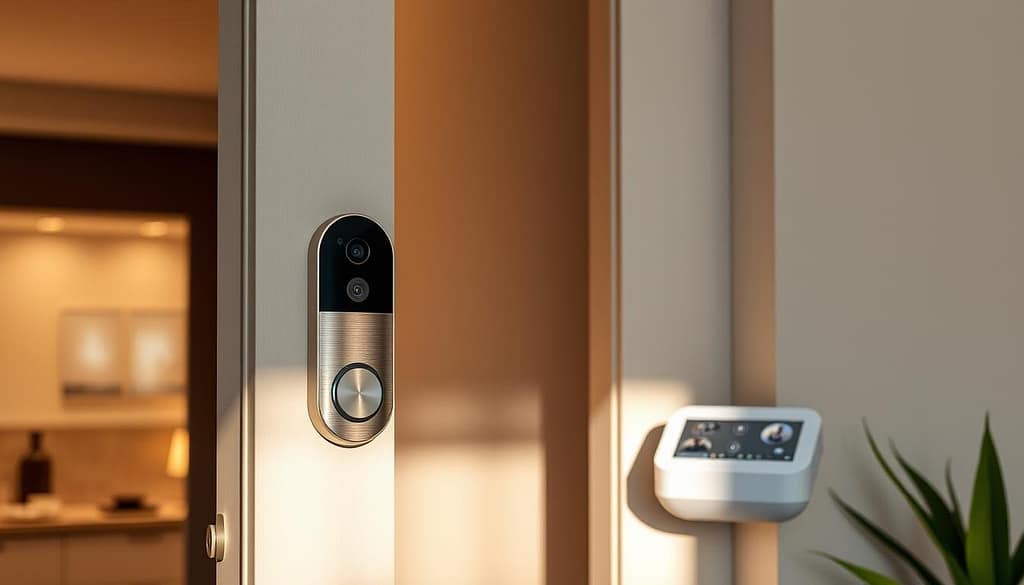
Google home integration connects the doorbell with Nest and Google devices smoothly. It shows live video feeds on Google Nest Hub displays when motion is detected. Voice commands through Google Assistant let you control it without hands.
The doorbell works well with other Nest cameras, making a strong security network. This setup lets you monitor your property from one place. Family members can use shared permissions and settings to access all devices.
Network and Internet Requirements
Good Wi-Fi is key for the doorbell’s smart features. It needs minimum upload speeds of 2 Mbps for video streaming and cloud storage. Faster speeds help during busy times.
Here are the main connectivity needs:
- 2.4GHz Wi-Fi network compatibility
- Strong signal strength for battery optimization
- Consistent internet connection for cloud features
- Router placement within reasonable range
App Features and Remote Control
The Google Home mobile app controls all connected devices. You can watch live streams, check recorded events, and adjust settings from anywhere. Push notifications alert you to doorbell activity, no matter where you are.
The app has cool features like setting activity zones and scheduling notifications. It also tracks battery life. You can set up different user permissions. This lets you keep an eye on your home and talk to visitors from anywhere with internet.
Get Google Nest Video Doorbell from Amazon
Google Nest Video Doorbell: Smart Alerts and Motion Detection
The Google Nest Video Doorbell turns basic motion detection into a smart security system. It learns and adapts to your home’s unique patterns. Unlike old cameras, this wireless video doorbell uses AI to tell people, packages, animals, and vehicles apart. You only get alerts for important events.
This smart tech cuts down on false alarms by learning your home’s usual patterns. It gets better at spotting real security threats over time.
Customizable Motion Zones
You can set up specific areas to watch with motion zone customization. This lets you focus on important spots like your door. At the same time, it keeps an eye on the rest of your surroundings without constant alerts.
This fine-tuning makes alerts more relevant and helps your battery last longer. You won’t get bothered by things like street traffic or trees swaying.
Real-Time Notification Settings
You can adjust how you get alerts to fit your life. The system sends quick alerts for people and less urgent ones for packages or animals. You can also turn off sounds during quiet hours but keep getting visual alerts.
You can pick to get alerts for every event or a summary of several activities at once.
Activity History and Monitoring
Get detailed insights into your home’s security with event logs. They show what happened, when, and for how long. You can spot patterns, like when deliveries come or when visitors arrive.
Quick thumbnails let you check activity without watching full videos. The system also checks how your device is doing and its battery level, so everything runs smoothly.
Google Nest Video Doorbell: Storage and Nest Aware Options
The Google Nest Video Doorbell offers flexible storage solutions. These options range from basic free storage to subscription plans. Each plan offers different levels of protection and convenience for homeowners.
The device includes up to 3 hours of recording in its free tier. This basic storage meets immediate needs without costs. But, extended protection requires subscription services with advanced features.
Basic Storage vs Premium Features
Free storage offers 3 hours of event history at no cost. This limited timeframe allows users to review recent doorbell activity quickly. It encourages prompt notification checking and immediate footage downloads.
Premium storage through subscriptions expands capabilities. These plans offer extended recording periods and intelligent detection features. Users gain access to monitoring tools that transform basic doorbell functionality.
Subscription Plan Benefits and Pricing
Nest Aware starts at $8 monthly and extends event video history to 30 days. This plan includes familiar face detection and package tracking alerts. It covers all Nest devices in your home, providing excellent value for multiple camera setups.
Nest Aware Plus costs $15 monthly and offers premium features. Users receive 60 days of event history plus 10 days of continuous recording. This coverage captures every moment, not just motion-triggered events.
Cloud Storage Advantages and Limitations
Recording limitations under free plans restrict users to short, event-triggered clips. Subscription plans eliminate these constraints with extended recording durations and continuous monitoring options. Cloud storage ensures footage remains accessible even if the device suffers damage or theft.
The following table compares available storage options:
| Storage Plan | Monthly Cost | Event History | Continuous Recording | Advanced Features |
|---|---|---|---|---|
| Free Plan | $0 | 3 hours | None | Basic notifications |
| Nest Aware | $8 | 30 days | None | Face detection, package alerts |
| Nest Aware Plus | $15 | 60 days | 10 days | All premium features |
Cloud storage provides critical evidence for insurance claims and law enforcement investigations. This remote backup system protects important footage from local device failures or security breaches.
Google Nest Video Doorbell: Pros and Cons Evaluated
The Google Nest Video Doorbell offers great features but also some drawbacks. It’s battery-powered, making it easy to install anywhere. Yet, it needs a stable internet connection and some premium features require a subscription.
Many reviews highlight its top-notch video quality and smart detection. But, they also mention the cost of subscriptions and the need to keep the battery charged. These points are important for anyone thinking about buying it.
Key Advantages
This doorbell is great for those who want better security without hassle. It’s easy to set up and works well with any home.
Installation Simplicity
The doorbell’s design makes it simple to install. You can do it in under an hour with just a few tools. It’s perfect for renters and seniors. The magnetic mount makes it easy to charge without losing its place.
Advanced Smart Features
The doorbell uses AI to recognize faces and detect packages. It learns who you are and who visits often, sending alerts just for you. It also watches for animals and cars, keeping you updated on what’s happening.
The battery lets you move the doorbell around easily. You can test different spots or take it with you when you move. It keeps working even when the power goes out, unlike wired doorbells.
Notable Disadvantages
There are some downsides to consider, like the cost and upkeep.
Subscription Dependencies
Features like extra video storage and facial recognition need a subscription. These can cost $96-180 a year. If you’re watching your budget, the free storage might not be enough.
Battery Maintenance Requirements
Keeping the battery charged is a regular task. Weather can affect how well it works, and you’ll need to replace it eventually. Wired doorbells are easier to maintain.
Internet Connectivity Limitations
The doorbell needs the internet to work fully. If your Wi-Fi is weak or often goes out, it can’t do its job. You’ll need a reliable internet connection for it to perform well.
Google Nest Video Doorbell: Ideal Home Security Choice
The Google Nest Video Doorbell is a battery-powered option that fits any home. It doesn’t need complicated installation and offers top-notch security. It sends smart alerts that tell you who’s at the door, what’s being delivered, and what’s just normal activity.
It’s perfect for those who use Google products and want their home to work seamlessly with them. It captures clear video, day or night. Plus, it’s easy to install without making any permanent changes to your home.
Thinking about cost is important when choosing this doorbell. You’ll need to pay for Nest Aware subscriptions to get the most out of it. Also, keeping the battery charged is a task that some might find a hassle. These costs add up over time.
Using this doorbell works best if you’re okay with the subscription fees and battery upkeep. If you’re ready for these, you’ll get great performance and smart alerts. It’s ideal for those who want to keep an eye on their home without just basic alerts.
The Google Nest Video Doorbell is a great choice for modern home security. It’s easy to set up and offers smart features that make it a smart upgrade for your home.
When you purchase through links on our site, we may earn an affiliate commission. Here’s how it works.
Get Google Nest Video Doorbell from Amazon
Frequently Asked Questions (FAQ)
How long does a Google Nest Video Doorbell’s battery last?
A Google Nest Video Doorbell’s battery lasts several months, depending on usage and weather. Frequent visitors or extreme conditions may shorten it. Check levels and get alerts via the Google Home app.
Is a Google Nest Video Doorbell easy to install?
A Google Nest Video Doorbell installs in about an hour with no complex wiring, thanks to its battery-powered design. Using a drill and level, attach the bracket via the Google Home app’s guidance.
What video quality does a Google Nest Video Doorbell offer?
A Google Nest Video Doorbell records in 960p HDR at 30 fps, capturing clear faces and plates with a 145° view. It adjusts to light, showing full-body images even when backlit.
Does a Google Nest Video Doorbell integrate with Google Home?
A Google Nest Video Doorbell seamlessly integrates with Google Home, showing live video on Nest Hub displays and supporting voice commands for footage and battery checks, enhancing security with other Nest cameras.
What smart detection does a Google Nest Video Doorbell offer?
A Google Nest Video Doorbell uses AI to distinguish people, packages, animals, and cars, recognizing familiar faces and alerting on package status to prevent theft.
What does a Google Nest Video Doorbell’s Nest Aware subscription cost?
A Google Nest Video Doorbell’s Nest Aware plan costs $8/month for 30 days of video, face detection, and package alerts. Nest Aware Plus at $15/month adds 60 days and continuous recording. Without it, you get 3 hours of history.
Can a Google Nest Video Doorbell handle extreme weather?
A Google Nest Video Doorbell operates in -4°F to 104°F and 85% humidity, resisting rain, snow, and sun. Extreme temperatures may reduce battery life.
What Wi-Fi does a Google Nest Video Doorbell require?
A Google Nest Video Doorbell needs a 2.4GHz Wi-Fi with 2 Mbps upload speed. Stronger signals optimize performance; weak signals may drain the battery faster.
Can a Google Nest Video Doorbell customize motion detection?
A Google Nest Video Doorbell allows custom motion zones and sensitivity levels, reducing false alerts and saving battery by focusing on key areas.
How does a Google Nest Video Doorbell’s charging work?
A Google Nest Video Doorbell charges in 4-6 hours via USB by detaching its magnetic unit. Plan charging for security or use wiring for continuous power.